Download · v0.21.1
A Git client for macOS that opens fast.
One universal build for Apple Silicon and Intel. The window is WKWebView, the one Safari uses, and the engine is Rust and libgit2 in the same process, so there is no daemon and no bundled browser.
It is not signed with an Apple developer certificate yet, so macOS asks once on first launch. Homebrew clears that flag for you, which is why it is the install I recommend.
Download for macOS AngKorGit_0.21.1_universal.dmg · Intel and Apple Silicon, one file
First launch
- 01 Open the .dmg and drag AngKorGit into Applications. Launch it from there, not from inside the dmg window, or macOS runs it from a temporary location where folder permissions cannot be saved.
- 02 On first launch macOS says the app cannot be opened. Close that, open System Settings, Privacy and Security, scroll down and click Open Anyway next to the AngKorGit line. That happens once.
- 03 When you open a repository under Desktop, Documents or Downloads, macOS asks whether AngKorGit may read that folder. Allow, and it is remembered.
Homebrew
terminal
brew install --cask cheat2001/tap/angkorgitFrom the terminal
macOS
curl -L https://github.com/cheat2001/angkorgit/releases/download/v0.21.1/AngKorGit_0.21.1_universal.dmg -o ~/Downloads/AngKorGit.dmg
xattr -cr ~/Downloads/AngKorGit.dmg
open ~/Downloads/AngKorGit.dmg
What you get
- A virtualized commit graph. Drag one branch onto another to merge or rebase
- Stage files, hunks or single lines. Commit drafts saved per repository
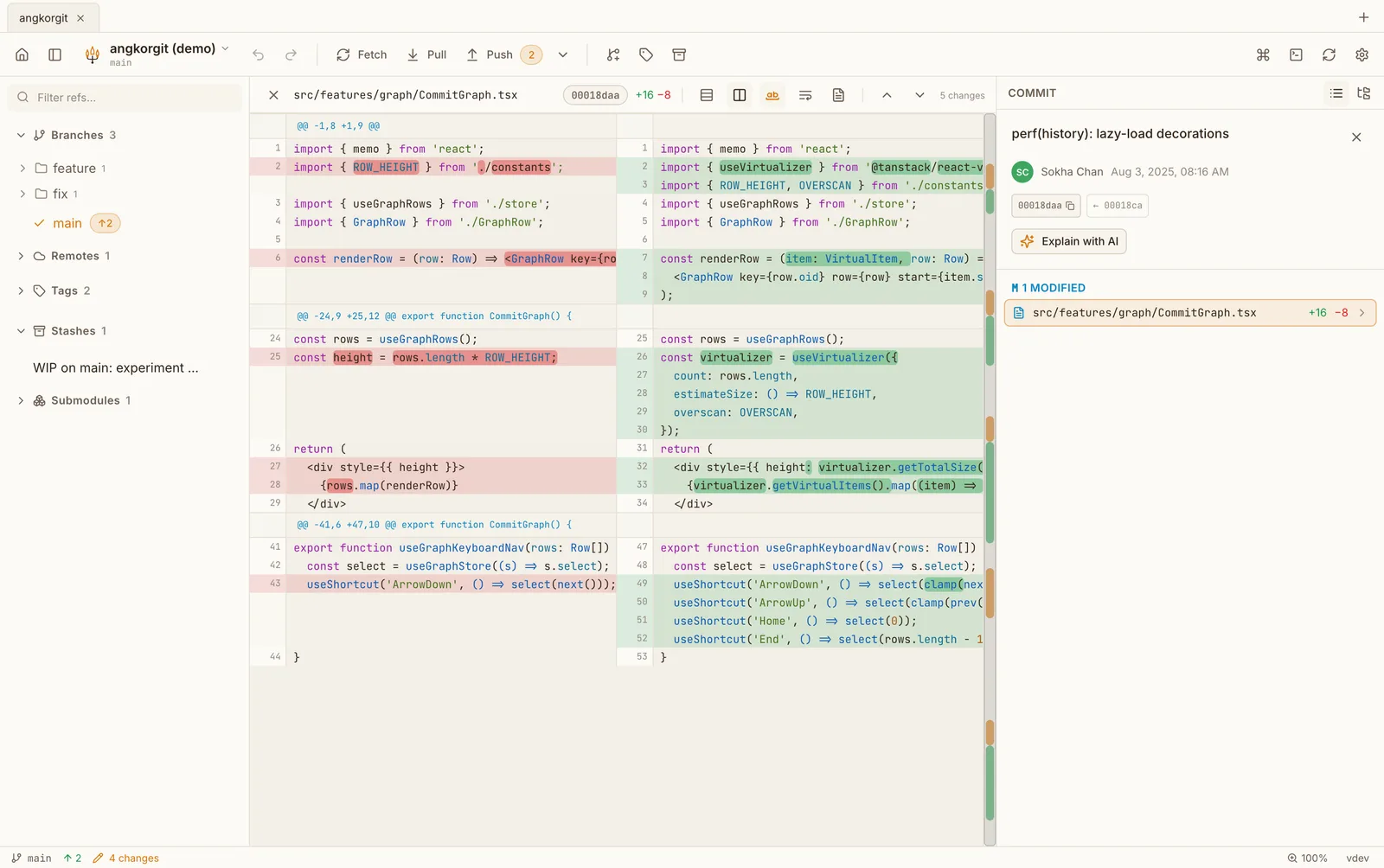
- Inline or side by side diffs with word level highlighting and a minimap
- A conflict resolver with both sides aligned and a result pane you edit in place
- Interactive rebase, cherry-pick, stashes, tags, submodules, worktrees
- Undo and redo for commits, checkouts, merges, rebases and resets
- Pull requests for GitHub, GitLab and Bitbucket: list, check out, create
- AI commit messages, explanations and reviews through the CLI you already have
- A ⌘K palette with every command, and a terminal per repository
- 16 themes, dark and light. No account, no telemetry
Questions
- Does it run natively on Apple Silicon?
- Yes. The .dmg is a universal binary, so it runs native on M series and on Intel from the same file. Homebrew installs the same build.
- Why does macOS warn me?
- There is no paid Apple certificate on the build yet, so Gatekeeper asks once. The folder permissions you grant are remembered for that build, and an update asks for them once more. Every update is verified with a signature before it installs.
- Does it work with the keys in ~/.ssh and the macOS keychain?
- Yes. SSH remotes use your agent or the keys in ~/.ssh. HTTPS remotes use an account you add in Settings, Authentication, whose token is stored in the keychain, or fall back to the same git credential helper the command line uses.
- Which macOS versions?
- The build targets macOS 10.13 and later. I test on the current release and the one before it, so if you are on something older and hit a problem, open an issue.