AngKorGit vs Tower
The Tower alternative with no subscription.
Tower is a serious client with a lot of care in it, and a yearly price to match. It runs on macOS and Windows. For a team that already pays for it, it’s a fine choice and I won’t argue.
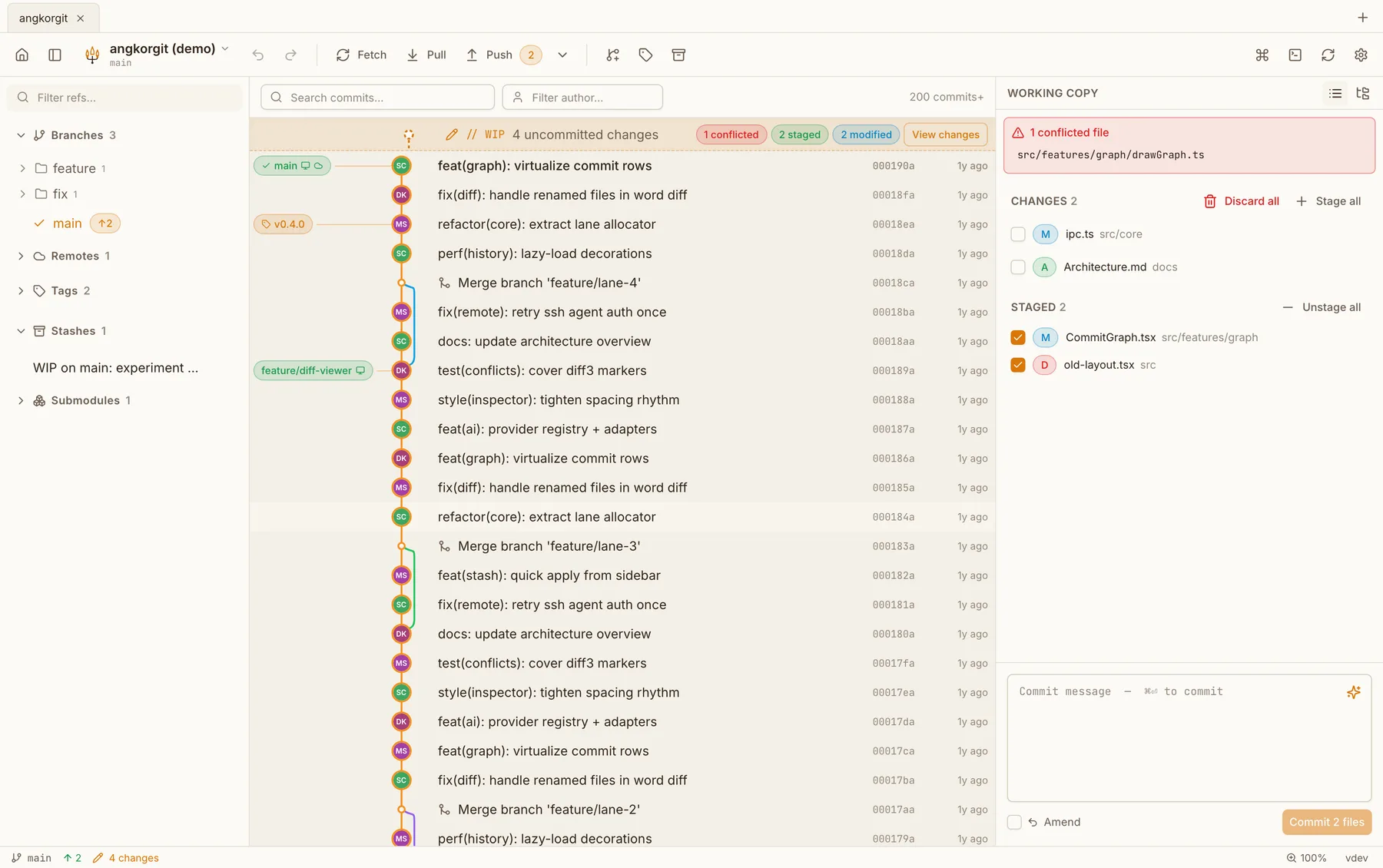
AngKorGit is for the person who doesn’t want a renewal, wants the source in the open, or needs the same client on a Linux machine. The graph, drag and drop between branches, undo, interactive rebase and the conflict editor are all here, without the invoice.
Side by side
| Tower | AngKorGit | |
|---|---|---|
| Platforms | macOS and Windows | macOS, Windows and Linux |
| Price | From $69 a year, 30 day trial. Free for students and teachers | Free, no tiers |
| Source code | Closed | Open source, MIT |
| Built with | Native toolkit on each platform | Rust and libgit2 in one process, the webview your OS already ships |
| Sign-in | A Tower account for the licence | None. Open a folder and start |
What Tower has that I don't
- Undo for nearly every operation, refined over many years
- Drag and drop in more places than I have built so far
- Git LFS and services integration from the interface
- Native widgets on both platforms
What AngKorGit has that Tower doesn't
- Linux builds alongside macOS and Windows
- Free, with the source on GitHub under MIT
- Worktrees in the sidebar, each one a tab
- AI for commit messages, explanations and reviews using the tools you already have
- Identity profiles stored per repository, never in your global gitconfig
Questions
- Does AngKorGit have undo?
- Yes, for commits, checkouts, merges, rebases, resets, reverts, cherry-picks and branch operations. It records the state before and after and refuses to undo if the repository has moved on in a way that would lose work.
- Does it handle a large repository?
- The graph and the diffs are virtualized, so a history of a hundred thousand commits scrolls like fifty. Reading the repository happens through libgit2 in the same process, there is no daemon to wait for.
- Is there a trial?
- There is nothing to trial. Download it, use it, and delete it if it isn’t for you. No licence key, no account.
Try it next to Tower
Version 0.22.0. Free, MIT licensed, no account, no telemetry. The app updates itself after the first install.