AngKorGit vs Sourcetree
The Sourcetree alternative that runs on Linux.
Sourcetree is free and it has been around for a long time, so a lot of people started there. It runs on macOS and Windows. If you moved to Linux, or you work across all three, it simply isn’t an option.
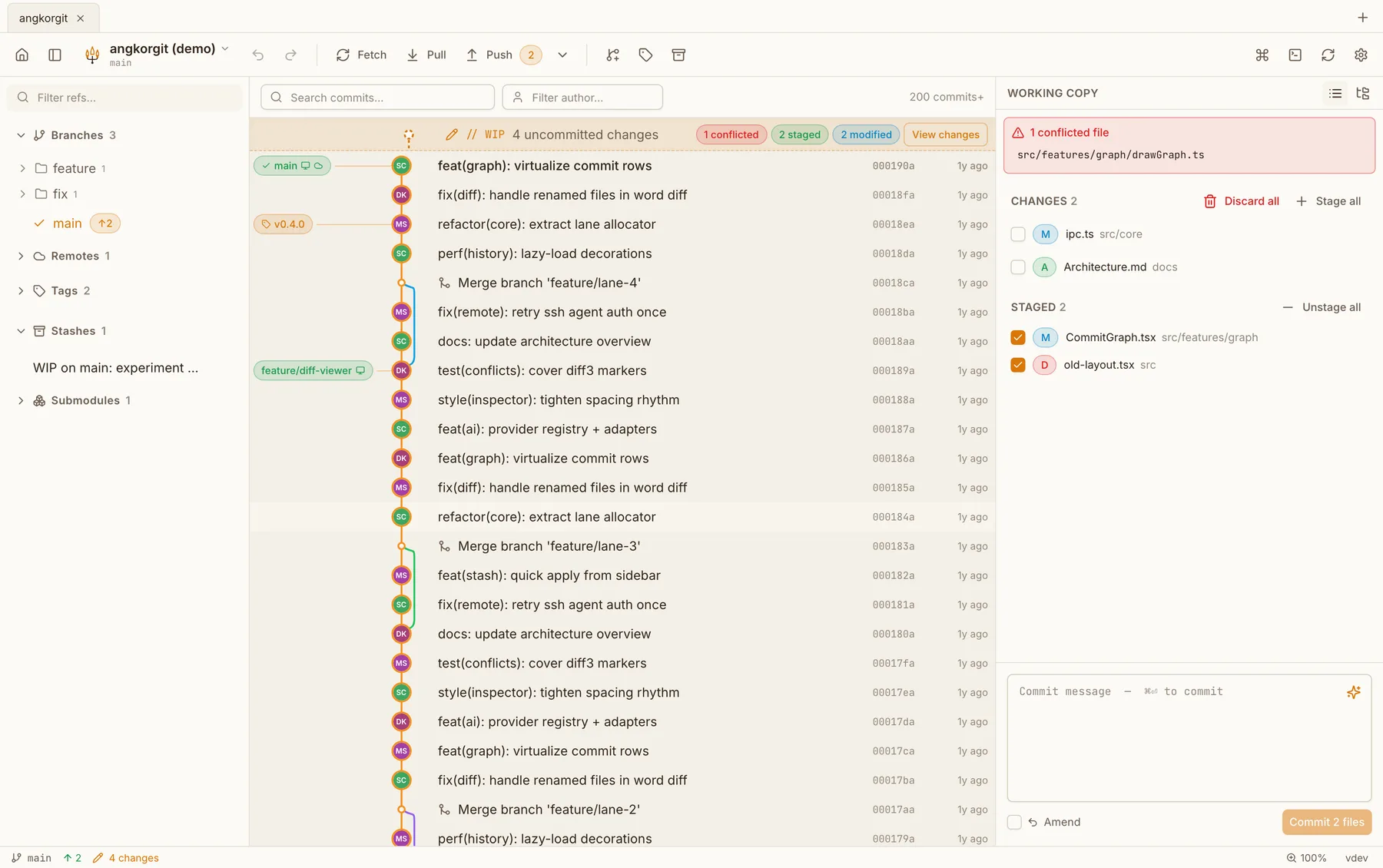
The other two things I hear about it are the Atlassian sign-in on first launch and how it feels on a large repository. AngKorGit has no sign-in at all, and the graph and diffs are virtualized, so a long history scrolls like a short one.
Side by side
| Sourcetree | AngKorGit | |
|---|---|---|
| Platforms | macOS and Windows | macOS, Windows and Linux |
| Price | Free | Free, no tiers |
| Source code | Closed, made by Atlassian | Open source, MIT |
| Built with | Native toolkit on each platform | Rust and libgit2 in one process, the webview your OS already ships |
| Sign-in | An Atlassian account on first launch | None. Open a folder and start |
What Sourcetree has that I don't
- Git-flow buttons for starting and finishing features and releases
- Git LFS setup from the interface
- Deep Bitbucket and Jira integration, it is an Atlassian product
- Many years in use, so most edge cases have been hit by someone
What AngKorGit has that Sourcetree doesn't
- Linux, with AppImage, .deb and .rpm builds
- Worktrees in the sidebar, each opening as its own tab
- Interactive rebase with reorder, squash, reword and drop, and undo if you get it wrong
- A conflict resolver with both sides aligned, line numbers, and a result pane you can type in
- Pull requests for GitHub, GitLab and Bitbucket in one client, not only Bitbucket
Questions
- Can I keep using Bitbucket?
- Yes. Add a Bitbucket account with an API token under Settings, Authentication, and the pull request list, checkout and create all work. Bitbucket Server is supported for git operations, the pull request list is Bitbucket Cloud only for now.
- Does it do git-flow?
- Not as buttons. Branch, merge and tag are all there, and drag one branch onto another merges it, but there is no git-flow wizard. If you rely on that daily, Sourcetree still does it and AngKorGit does not.
- What about my existing repositories and SSH keys?
- Nothing changes. Repositories are plain git folders, and SSH keys are the ones in ~/.ssh. AngKorGit talks to the agent, so a passphrase-protected key keeps working the way it does in your terminal.
Try it next to Sourcetree
Version 0.22.0. Free, MIT licensed, no account, no telemetry. The app updates itself after the first install.